- This topic has 1 reply, 2 voices, and was last updated 4 years, 1 month ago by
 .
.
Viewing 2 posts - 1 through 2 (of 2 total)



Viewing 2 posts - 1 through 2 (of 2 total)
- You must be logged in to reply to this topic.

UK Tech Forums

› UKTH forums › 📱 Mobile › iPhones › iPhone Sim Card Swap not Sending iMessages & SMS with New Number Had an interesting problem today with a new iPhone 12 Pro Max as we have swapped Sim Service provider and had the original number ported to a new SIM (new...
 Grisu.
Had an interesting problem today with a new iPhone 12 Pro Max as we have swapped Sim Service provider and had the original number ported to a new SIM (new contract).
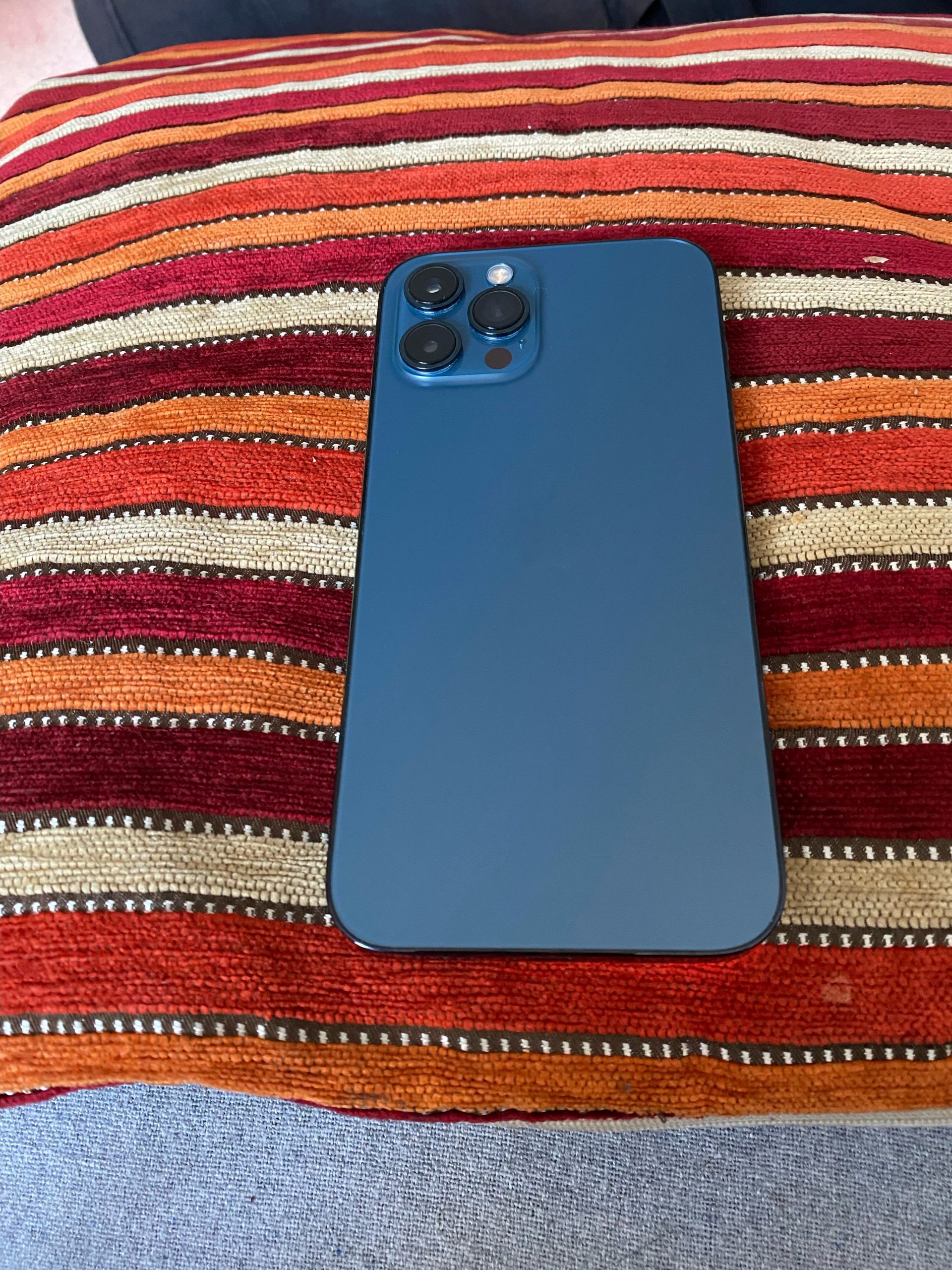
So after the original number was ported to the new SIM card (which took around 12 hours) the iPhone was able to make a receive calls with the original number (ported) using the new SIM card, but both iMessage and SMS messages was sent using the SIM cards original number before it was ported, most odd.
Long story short, seems iPhones (mine a least) have a quirk in that Settings > Messages > Send & Receive the SIM card number can sometimes not be updated even if a new SIM card is used with a new number.
To get over this, iMessage and SMS had to be disabled and then the iPhone was rebooted and after re starting, the number in the Messages settings had been updated to that of the SIM card once those services had been re enabled.
Lots of post out there on this, so easy fix once I knew what the problem was 

In a completely sane world, madness is the only freedom (J.G.Ballard).
You need to login in order to vote