

› UKTH forums › 🛜 Wireless Routers & Modems › ASUS & Wireless › Converting DSL-AC68U to RT-AC68U for use as AiMesh Node – Solved I’m sure there were a series of posts on the old forum about hacking a DSL-AC68U to make it into an RT-AC68U. Sadly those posts are lost and not cached... › Reply To: Converting DSL-AC68U to RT-AC68U for use as AiMesh Node – Solved I’m sure there were a series of posts on the old forum about hacking a DSL-AC68U to make it into an RT-AC68U. Sadly those posts are lost and not cached…

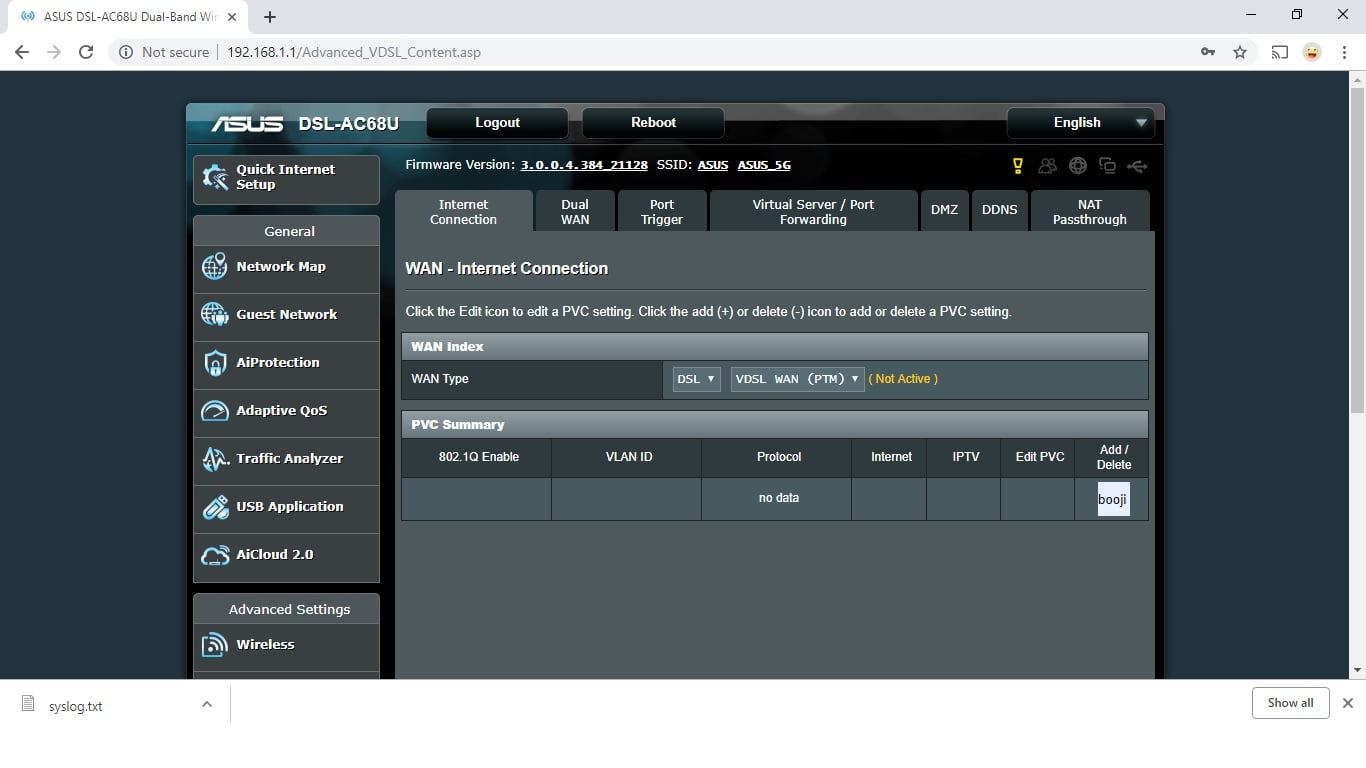
Ok, I’m back so have been doing a bit more digging. The mtd-erase2 nvram followed by power off seems to set everything to default settings except the “booji” setting in still in the PVC summary under Wlan (see pic). I can’t delete this profile or add another profile. As I mentioned in an earlier post this stuck “booji” does not have all the options (such as username/password) when the Primary is set to DSL. When the Primary is set to Ethernet wan I still can’t to get the router working on the external modem even though all the settings can be entered. So basically I cant get the internal or external modem working when set to factory settings.
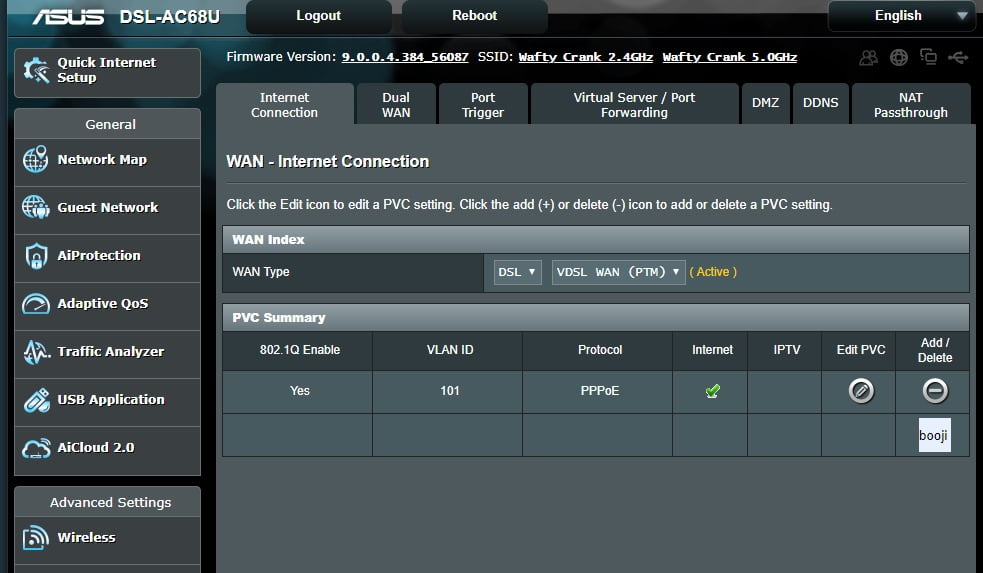
The only way I can get the router to limp into action is to load an old profile. This adds a PVC profile which contains all the settings (including username password) for the Primary DSL (see other pic). Now if I change the Primary WAN to ethernet Wan it seems to use this PVC profile to fire up the external modem. I also noticed that an openVPN server username/password that I must have used in this config cannot be deleted or though I can add others.
One other thing worth mentioning is when Primary Wan is set to DSL it shows the PVC summary page where you the have to click in the profile to see the modem settings whereas if the Primary Wan is set the Ethernet Wan it just goes directly to the router settings page (no PVC summary page). This may be normal but I’m not sure.
I’m begging to think this corruption was present before I attempted to upload the wrong firmware. Maybe uploading this firmware wirelessly and it reporting a bad firmware upload was just a trigger point. The Merlin firmware wasn’t even uploaded (otherwise I would have seen it). Maybe the router just recognising the a bad upload triggered it to exposing the “booji” profile already there.
You need to login in order to vote