

› UKTH forums › 📺 White & Brown Goods › Cooking Appliances › Samsung Microwave Sticky Start Button Fix So our 5 Year old Samsung Microwave start button needs a few pushes before it works, I have applied WD40 in the past to loosen the button, alas the problem...
- This topic has 0 replies, 1 voice, and was last updated 4 years, 1 month ago by
 UK Sentinel.

- AuthorPosts
- August 25, 2022 at 6:12 pm #20628
So our 5 Year old Samsung Microwave start button needs a few pushes before it works, I have applied WD40 in the past to loosen the button, alas the problem is getting worse so thought a good idea have a closer look.
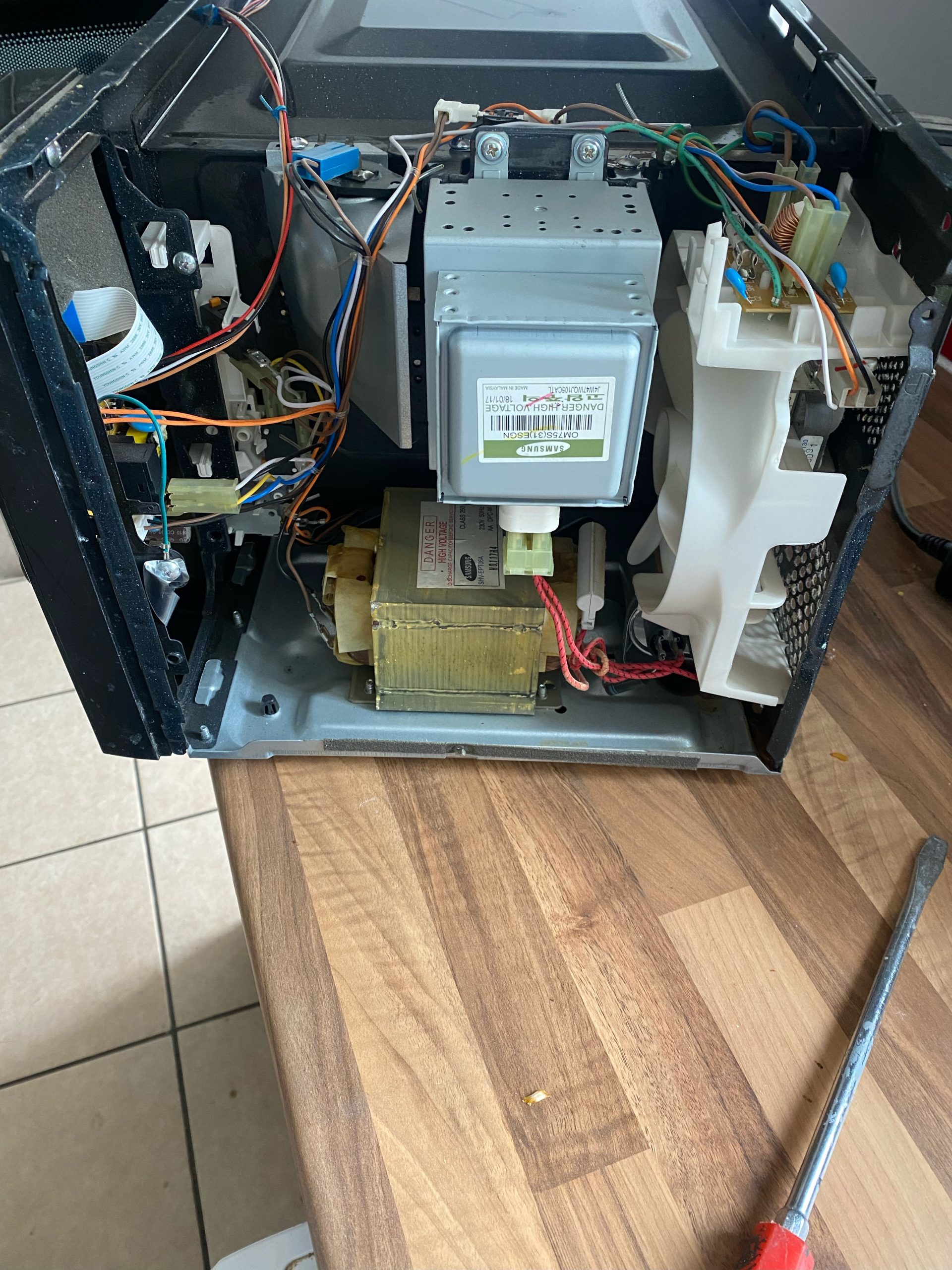
So after removing the power plug from the wall, I removed the Samsung Microwave Cover (below) to get access to the PCB board
Samsung Microwave PCB Board located in Housing
Samsung Microwave PCB Housing Removed after Unplugging power connectors
Seems the plastic start button actual presses an individual Tactile Switch
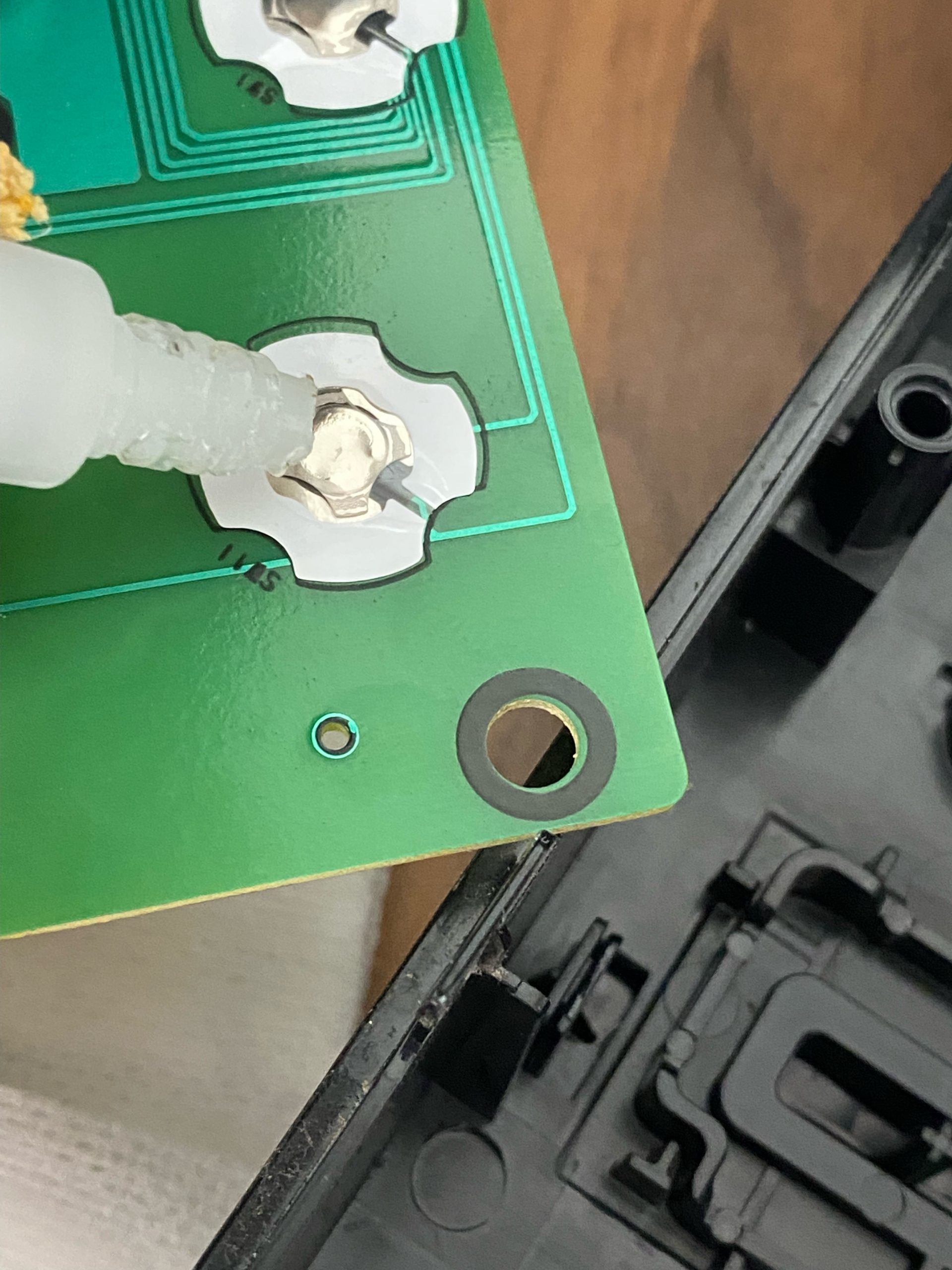
Samsung Microwave Start Tactile Switch (below)
So after checking the Start Button tactile switch was working correctly electrically, it seemed the issue was the physical (plastic) start button was not in full contact with the tactile switch, probable due to age and wear and tear etc.
So as a hack, I applied a layer of super glue to the top of the tactile switch to add thickness / depth so that the plastic button has a better chance of more physical contact with tactile switch.
I then also applied a blob of glue to the point where the Plastic button touches the tactile switch, again to add depth / length.
Samsung Microwave was then re assembled and must say, Start button now works like it was a new microwave.
Job Done! but microwave still needs a clean ;-)
In a completely sane world, madness is the only freedom (J.G.Ballard).
You need to login in order to vote
- AuthorPosts




- You must be logged in to reply to this topic.