Forum Replies Created
-
AuthorPosts
-
Getting back to the memory utilisation, today sits on 73%. It decreased from 93% yesterday to 73% utilisation today. There has been no restart as I see 33 days up time. DSL connection did not drop either.
With memory utilisation sitting at this value I am again able to check for firmware and I am currently updating AI Mesh node RT-AX92U. So, there is an issue here where memory utilisation is high and check firmware functionality.
You need to login in order to vote
<p style=”text-align: right;”>
</p>
Thanks UK Sentinel! Appreciate it!
<p style=”text-align: right;”>Ok, so I have had feedback from ASUS and they have asked if you could run the check firmware option again and then afterwards send another feedback form with (UK Sentinel) in text , let me know when you have completed this task so I can chase . Such fun
 <noscript></noscript>
Done!
You need to login in order to vote
Notice some slowness on the clients sometimes, also, searching for updates from the GUI is not working anymore. – says it can’t communicate with ASUS servers.
Don’t want to restart the router now as I am waiting for my line speed to increase and modulation to change to FastPath.
You need to login in order to vote
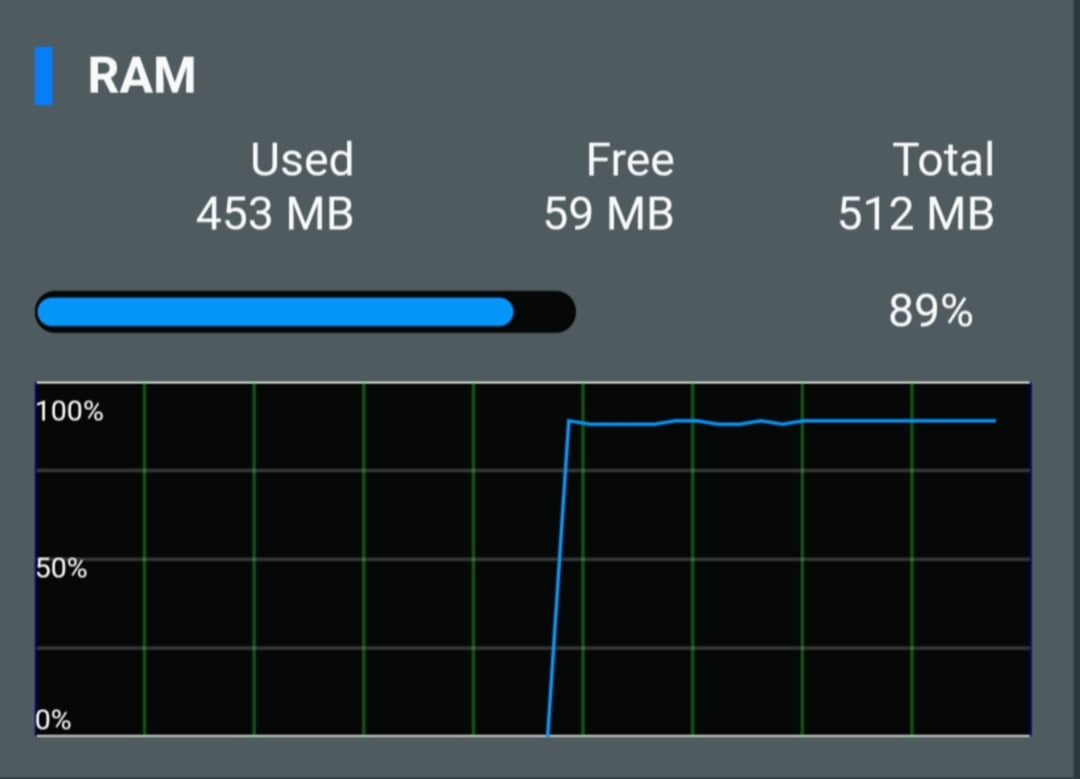
Indeed! I have seen it oscillating between 88% and 92%. It is currently sitting at 91% check attached image and you can see RAM oscillating.
Attachments:
You need to login in order to vote
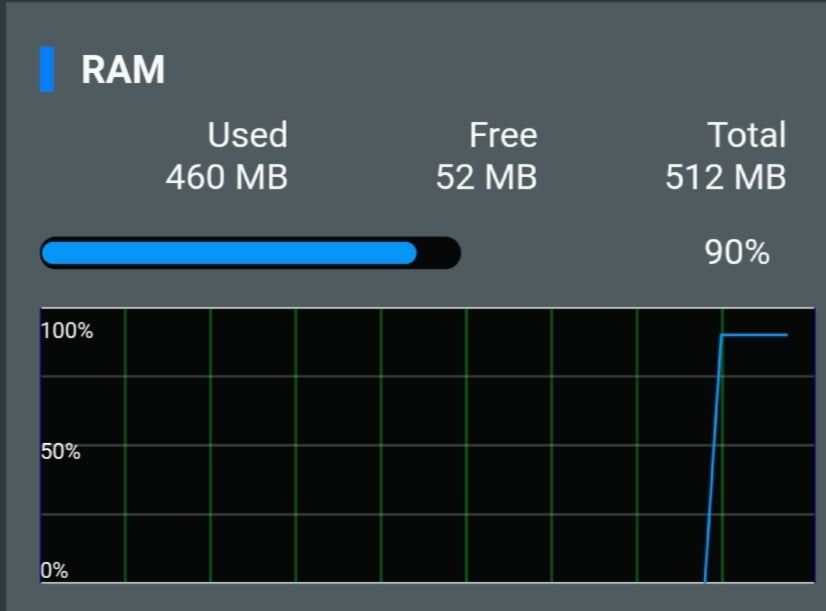
@trainzer ASUS DSL Team have received and have had a look at your two feedback forms, and have requested the following. could you verify what your current RAM usage is ? ————— Check the new feedback log. No abnormal behaviour found. Please inform the user to submit feedback if system crash or have any abnormal behaviour. ————-
Sorry for the late reply.
460MB used / 52MB free
Attachments:
You need to login in order to vote
I can. System logs only as before? Should I mention your username on 1st line too?
Please, makes it easier for them to find the feedback form
Sent!
Kindly let me know how it goes.
You need to login in order to vote
I can. System logs only as before? Should I mention your username on 1st line too?
You need to login in order to vote
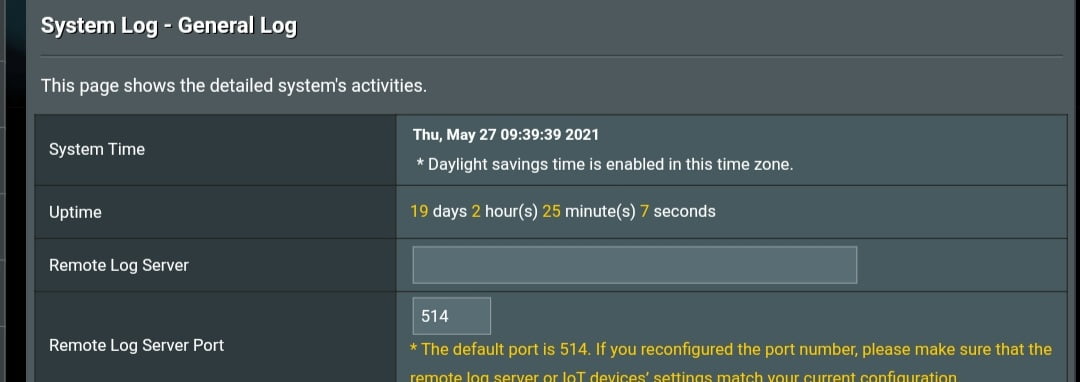
Update on memory usage. It is now at 92% utilisation after being up for 19 days. @UK Sentinel, can you report this to ASUS? this is just not normal…
Hi @trainzer – thank you for letting us know, can you send a feedback form and mention UK Sentinel at the beginning, once you have done this I will have a chat with the ASUS DSL team
@UK Sentinel
I have sent feedback as per suggestion. Let me know if you hear anything from them regarding memory usage. Thanks!
Liked by:
You need to login in order to vote
Update on memory usage. It is now at 92% utilisation after being up for 19 days.
@UK Sentinel, can you report this to ASUS? this is just not normal…
Attachments:
You need to login in order to vote
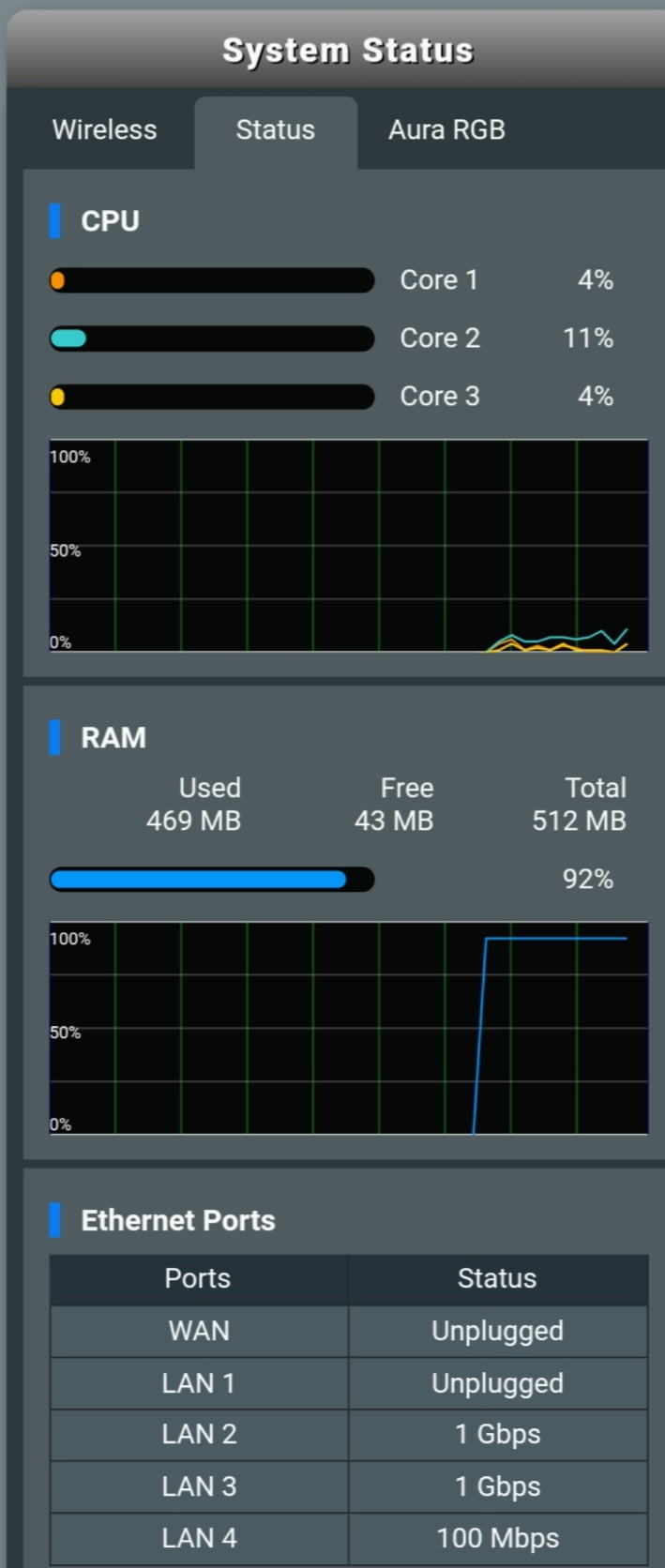
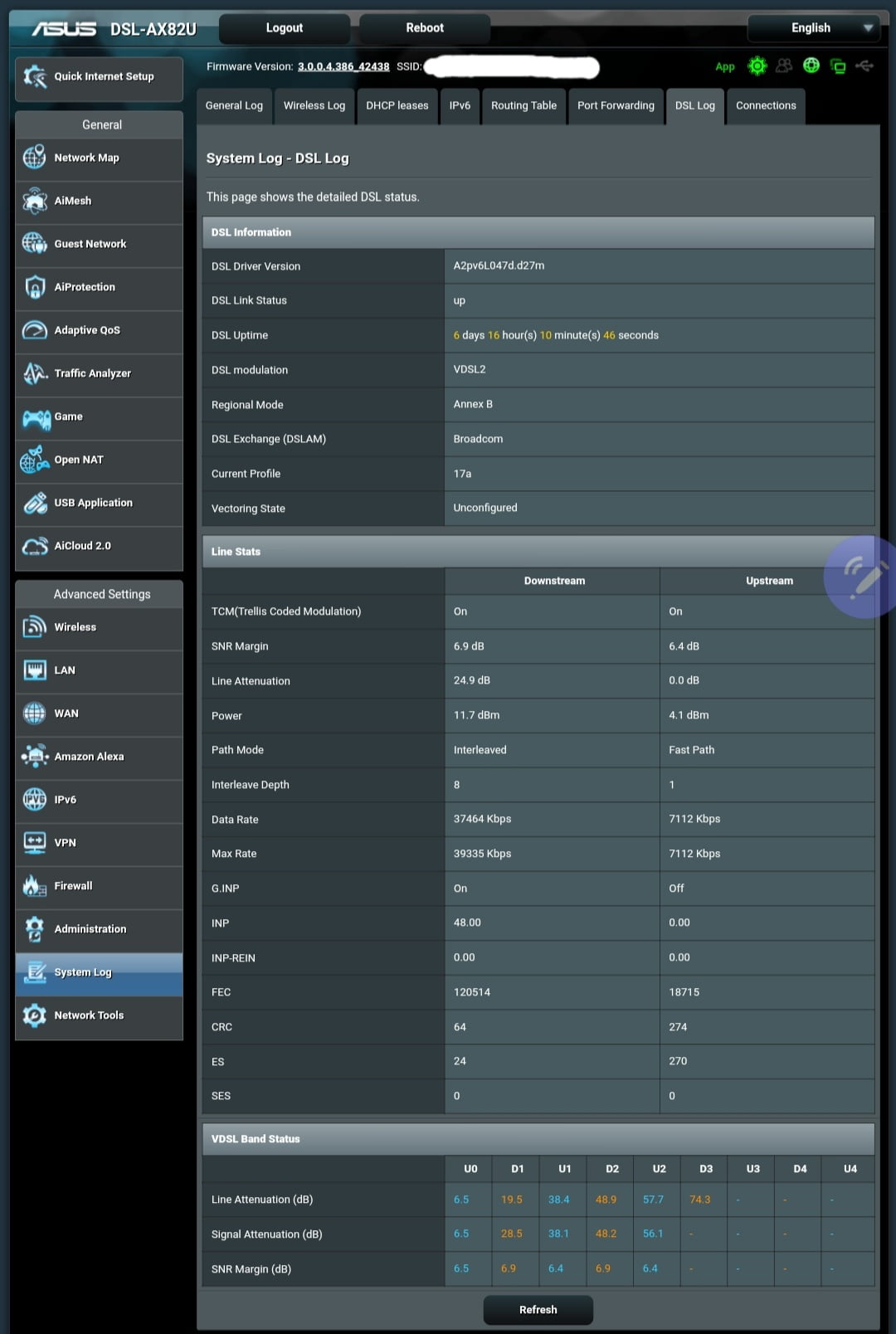
Will do @UK Sentinel . Adding current screens so that we can compare by end of the week.
Download CRC Errors: 64
(Attached image contains all the details)
Attachments:
You need to login in order to vote
Can confirm that there may be some memory leaks on this model. After 6 days of being powered on, memory usage is now 81%. As @UK Sentinel states, early days on this model.
As for the UPNP status under AI Protection, it shows correctly once I disable it. All of the checks on my side are green.
So far after 1 week, not even a single drop, something that my previous DSL-AC68U was not delivering anymore. Hopefully I get the download modulation reverted back to FastPath soon.
Liked by:
You need to login in order to vote
Once I enabled Traffic Analyzer and QoS the RAM usage went up. It was the same with my old DSL-AC68U.
You need to login in order to vote
I’ve noticed some small memory leak about 9-10MB per every 6 hours, has everyone with DSL-AX82U experienced this too ?
Did notice memory increase after some hours, but nothing else since.
On mine it’s currently 77%-78% memory utilisation and its been like that at least in the past 12 hours.
You need to login in order to vote
-
AuthorPosts
 <noscript>